Why Your Business Number Shouldn’t Live on One Phone
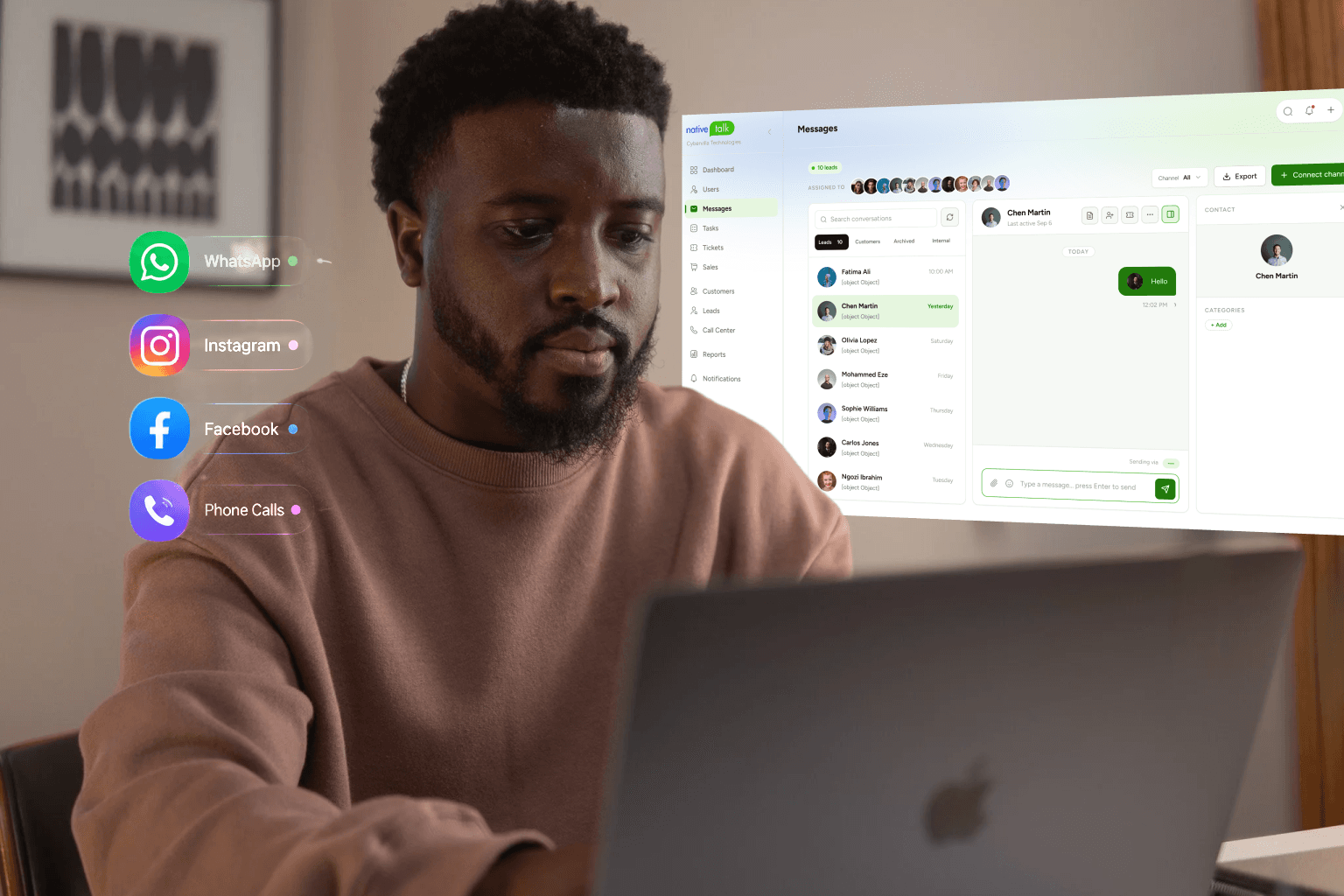
For growing companies, accessibility is the foundation of customer trust. Yet, many small business owners and revenue teams still manage operations using a single, physical smartphone. Leaving your corporate contact line tethered to an isolated piece of hardware creates a massive operational bottleneck. Relying on one physical device for your business phone number leads to missed client calls, delayed response times, and an immediate ceiling on your ability to scale team operations.
Transitioning to a modern, multi-device communications model ensures that your company remains accessible from anywhere, at any time, across all your devices.
To build a professional communications foundation, companies must understand the difference between device-bound numbers and cloud-synced accessibility.
A traditional cell phone number links directly to an individual physical SIM card sitting inside one specific phone. If that phone dies, loses cellular reception, or is left on an office desk, your business communication goes completely dark.
A multi-device business phone number uses virtual, cloud-based infrastructure (VoIP) instead of physical SIM restrictions. This architecture ensures your single business number is not anchored to a piece of plastic. Instead, it functions as a digital account layer that can be accessed simultaneously from an application on your smartphone, an interface on your laptop, or a browser tab on your tablet.
True multi-device synchronisation goes far beyond basic call forwarding. True sync means that when a client calls your main office number, every authorised device- your laptop, your personal mobile phone, and your desktop dashboard—can ring at the same time.
Furthermore, your outgoing text messages, incoming client files, and voicemail transcripts update instantly across all screens. If a representative answers a call on their laptop, the notification clears gracefully from their mobile app, preventing duplicated effort and keeping team interactions seamless.
Isolating your primary contact line to one physical phone creates hidden operational friction that directly drains your company's bottom line.
In modern B2B and B2C markets, buyers expect immediate responses. If a hot prospect calls your number and hits a busy signal because you are already speaking with a vendor, they will not wait for a voicemail. They will simply return to their search results and call your closest competitor. Locking your business number to one phone forces your queue velocity to a strict crawl: one conversation at a time.
When your professional line lives exclusively on your personal phone, you cannot turn work off. Business owners find themselves answering late-night customer inquiries during family hours simply because they fear losing a deal. Over time, this constant unavailability of a true boundary causes severe operational burnout.
By untethering the line from your personal phone, you can set automated business hour profiles, allowing your laptop app to take calls during the day while routing late-night traffic to a team shared inbox or structured auto-attendant.
Single Device Setup: One incoming call ➔ Rings one phone ➔ Busy line for all other prospects ❌
Multi-Device Setup: One incoming call ➔ Rings phone + laptop + tablet ➔ Answered by any free team member
Migrating away from single-phone dependency follows a clear structural blueprint that replaces traditional hardware restrictions with dynamic routing rules.
Step 1: Port Your Number to a Virtual Network: Move your existing landline or mobile corporate number away from traditional legacy carriers and into a digital, cloud-powered communication provider.
Step 2: Install Multi-Device Applications: Download your chosen platform's native communication app onto your desktop computer, field laptops, and active mobile phones.
Step 3: Define Your Simultaneous Ringing Rules: Configure your dashboard so incoming calls trigger notifications across all active devices at once, or set sequential patterns (e.g., ring the office laptop first for 10 seconds, then forward to a mobile phone).
Step 4: Enable Shared Access for Team Members: Invite additional employees or virtual assistants to log into the shared line, allowing your company to handle multiple client chats or customer calls at the same time.
Simply downloading an app across multiple screens is not enough; execution teams must avoid key structural errors that disrupt customer communication:
Unmanaged Notification Clutter: If you fail to configure your team notification groups properly, an incoming call might ring out loud across five laptops in an open office simultaneously, creating unnecessary distraction.
Ignoring Out-of-Hours Auto-Replies: When your line is linked to multiple devices, it is easy to assume someone else will see the message. Without automated text responders active during the weekend, customer texts can easily fall through the cracks.
Mixing Personal and Corporate Caller IDs: If employees use their personal cell phones to call clients back without using a dedicated virtual interface, they accidentally expose their private numbers, creating security risks and breaking brand consistency.
The days of carrying around two separate smartphones or missing key inbound clients because you stepped away from your desk are over. High-growth sales and support teams require a unified communication workspace that flows smoothly between desktop setups and mobile field environments.
This is exactly where NativeTalk bridges the operational gap. By providing robust, business-class communication infrastructure, NativeTalk allows you to completely detach your professional phone identity from individual hardware devices.
Through its secure cloud platform, your main business number integrates effortlessly into a unified communication dashboard accessible across all active devices. Your team can place high-clarity voice calls from their laptops, check real-time text threads on their mobile phones, and manage incoming leads collaboratively. By removing single-device limitations, NativeTalk ensures your business lines stay completely open, professional, and optimised for maximum revenue conversion.
Leaving your business phone number trapped on a single device introduces unnecessary risk, causes missed revenue opportunities, and leads to employee burnout. Upgrading to a multi-device virtual phone framework ensures your company maintains a responsive, professional presence on every screen your team uses.
Ready to unlock your phone line and empower your remote team? Register at hotlines.nativetalk.io today to clear your hardware bottlenecks and scale your communication infrastructure.
